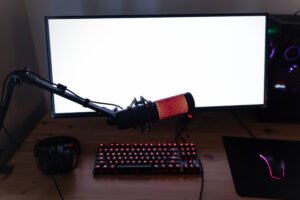

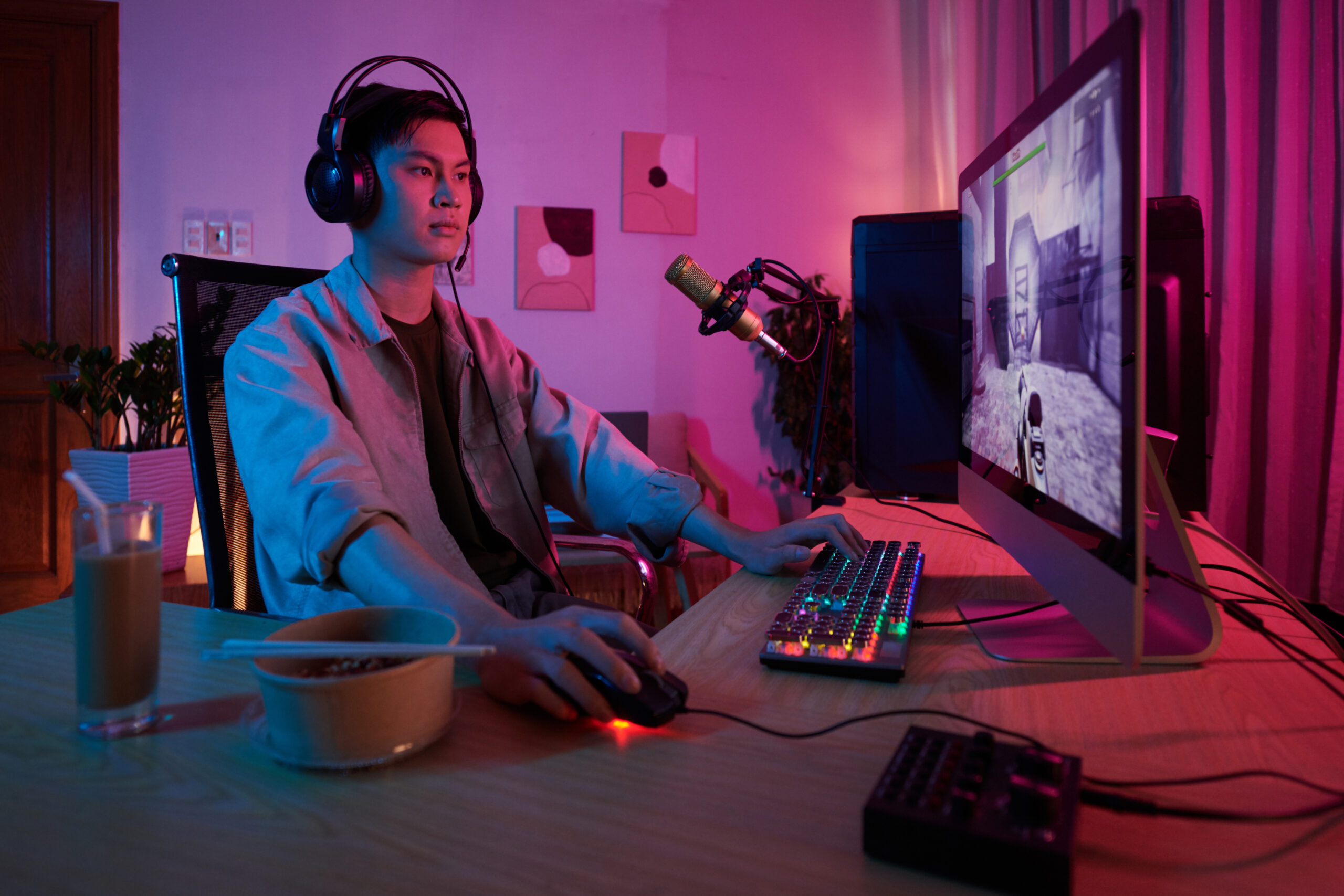
However, if you are considering the idea of streaming games on PlayStation or Xbox on your PC, then a capture card becomes vital for you. There are many such streamers who encounter problems in doing this. They do not use any proper hardware to transfer the content of their console and stream it on the PC. As a result, they get poor quality of content as well as high lag. With a good capture card, you can overcome all such challenges easily.
Importance for Console to PC Streaming
For those professionals who are interested in creating high quality streams from console, a capture card becomes indispensable. Using it, you would be able to enjoy high quality and customize your stream with OBS, overlays and alerts. For streamers who prefer professional streaming, a capture card can come as quite useful. It can make your work much easier.
What Will You Understand From This Article
Here, you will understand the working of capture cards. You will get complete information about their importance and selection process.
Why a Capture Card Is So Important
Direct streaming is not possible in console devices without the use of any hardware. If you want to get the best out of it, you should definitely use a capture card. It provides full control over the content of your stream.
You will be able to record and stream video and audio of your console games in the PC using OBS. In this way, you will have the ability to get high quality, customized overlay and alerts. You will be able to improve performance of your system and minimize lag.
Some Key Points Regarding Capture Cards
• Essential for console to PC streaming
• Good for capturing high quality video and audio
• Useful for streaming in OBS and other software
• Helps in using overlays and alert tools
• Reduces lag during streaming
• Suitable for high resolution streaming
• Easy to install and use
• Best for PlayStation and Xbox consoles
• Helps in getting professional quality streams
• Long term investment for streamers
Two Main Types of Capture Cards
The two main types of capture cards include internal capture cards and external capture cards. External capture cards are very common among gamers due to their convenience. All you need to do is to connect them to your device via USB cable.
However, internal capture cards are installed inside the PC. Such capture cards are known for providing slightly higher performance compared to the external ones. But, they are harder to set up.
An external capture card is considered as the best choice for beginners and professional streamers.
Recommended Capture Card
One of the most popular and reliable choices in capture cards is Elgato HD60 X Capture Card. Most of the streamers use this product for its efficiency and convenience.
Buy Link = Striming Catpture Guide
Elgato HD60X is known for its high quality streaming and recording capability. The performance and latency of this product are amazing. Moreover, it is highly compatible with OBS.
Guide for Setup and Connection of Capture Card
It takes just few steps for connecting the capture card to your console and PC. First, you need to connect your console to the capture card using HDMI cable. Now, you need to connect the capture card to the PC using USB.
As soon as you do so, open OBS and select the video source from the capture card. In this way, your game play would appear on your computer screen. Make sure to optimize your audio source.
Some Tips for Optimization
Using high quality cables is always preferred over cheap ones because it increases the performance of your capture card. Do not set high resolution and frame rate without proper system specifications. Also, update your system and test it before going live.
Conclusion
For those console streamers who are interested in creating high quality content, a capture card becomes indispensable.