A clean and professional background is very important for streamers. Many beginners stream with messy or distracting backgrounds, which can reduce the quality of their content. A green screen is a simple and effective solution that allows you to remove your background and replace it with anything you want.
With a green screen, you can create a clean, modern and professional look without changing your room. It is widely used by streamers, YouTubers and content creators to improve visual quality.
In this guide, we will understand how green screens work, why they are useful and how to set them up properly.
Why Green Screen is Important
A green screen helps you remove unwanted background and focus attention on yourself and your gameplay. This makes your stream look clean and less distracting for viewers.
It also allows customization. You can add custom backgrounds, themes or overlays that match your stream style. This improves branding and makes your content more attractive.
Green screens are especially useful for small rooms or shared spaces where background setup is not ideal.
Key Points
• Removes unwanted background
• Creates clean and professional look
• Improves stream visual quality
• Allows custom backgrounds and themes
• Reduces distractions for viewers
• Works with OBS and streaming software
• Easy to set up and use
• Useful for small or messy rooms
• Enhances stream branding
• Popular among streamers and creators
How Green Screen Works
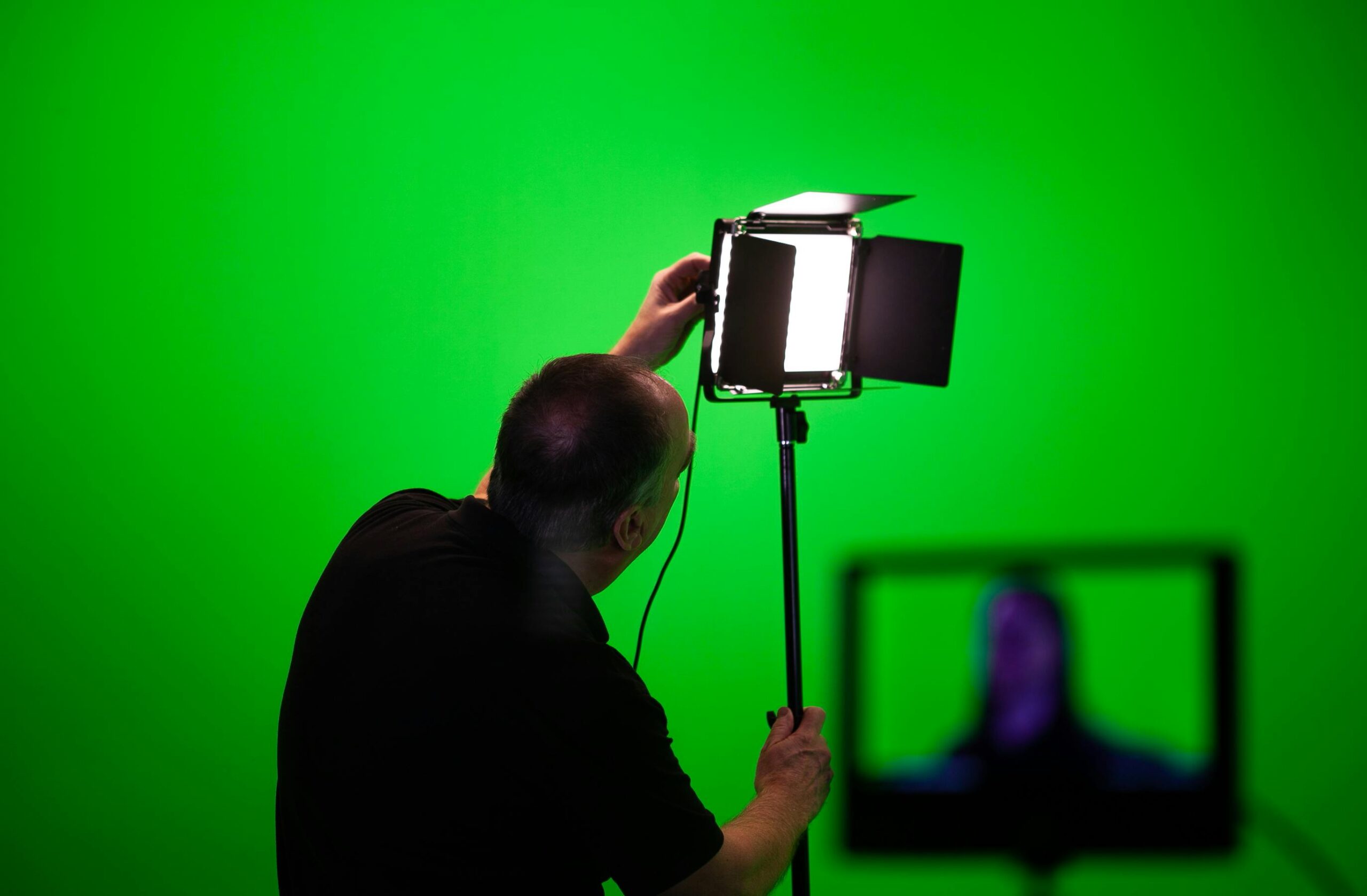
A green screen works using chroma key technology. The green color is removed digitally, and your background is replaced with an image or transparent layer.
Streaming software like OBS has built in chroma key filters that make this process easy. You just need proper lighting and a clean green background for best results.
The key to good results is even lighting. If the green screen is not evenly lit, it may not work properly.
Recommended Green Screen
One of the most popular options is the Elgato Collapsible Green Screen. It is easy to use and provides a smooth and wrinkle free surface.
Buy Link = green screen
This green screen is perfect for streamers who want a quick and professional setup. It is portable, durable and very easy to set up.
Setup and Positioning Tips
Place the green screen behind your chair so it fully covers your background. Make sure there are no wrinkles or folds, as they can affect the chroma key effect.
Keep some distance between yourself and the green screen. This helps avoid shadows and improves the quality of the effect.
Lighting is very important. Use proper lights to evenly light the green screen and your face separately.
Optimization and Performance
Adjust chroma key settings in OBS carefully. Fine tuning settings like similarity and smoothness will give better results.
Avoid wearing green clothes, as they will also disappear with the background.
Test your setup before going live to ensure everything looks clean and professional.
Conclusion
A green screen is a powerful tool that can instantly improve the quality of your stream. It gives you a clean background and allows creative customization.
If you want your stream to look professional without changing your room setup, a green screen is a great investment.
With proper setup and lighting, you can achieve high quality results and create a more engaging experience for your viewers.