- Written by: admin
- March 27, 2026
Power cuts and sudden electricity issues can completely ruin a live stream. Imagine you are streaming, gaining viewers and suddenly everything shuts down. This not only affects your stream but also creates a bad experience for your audience.
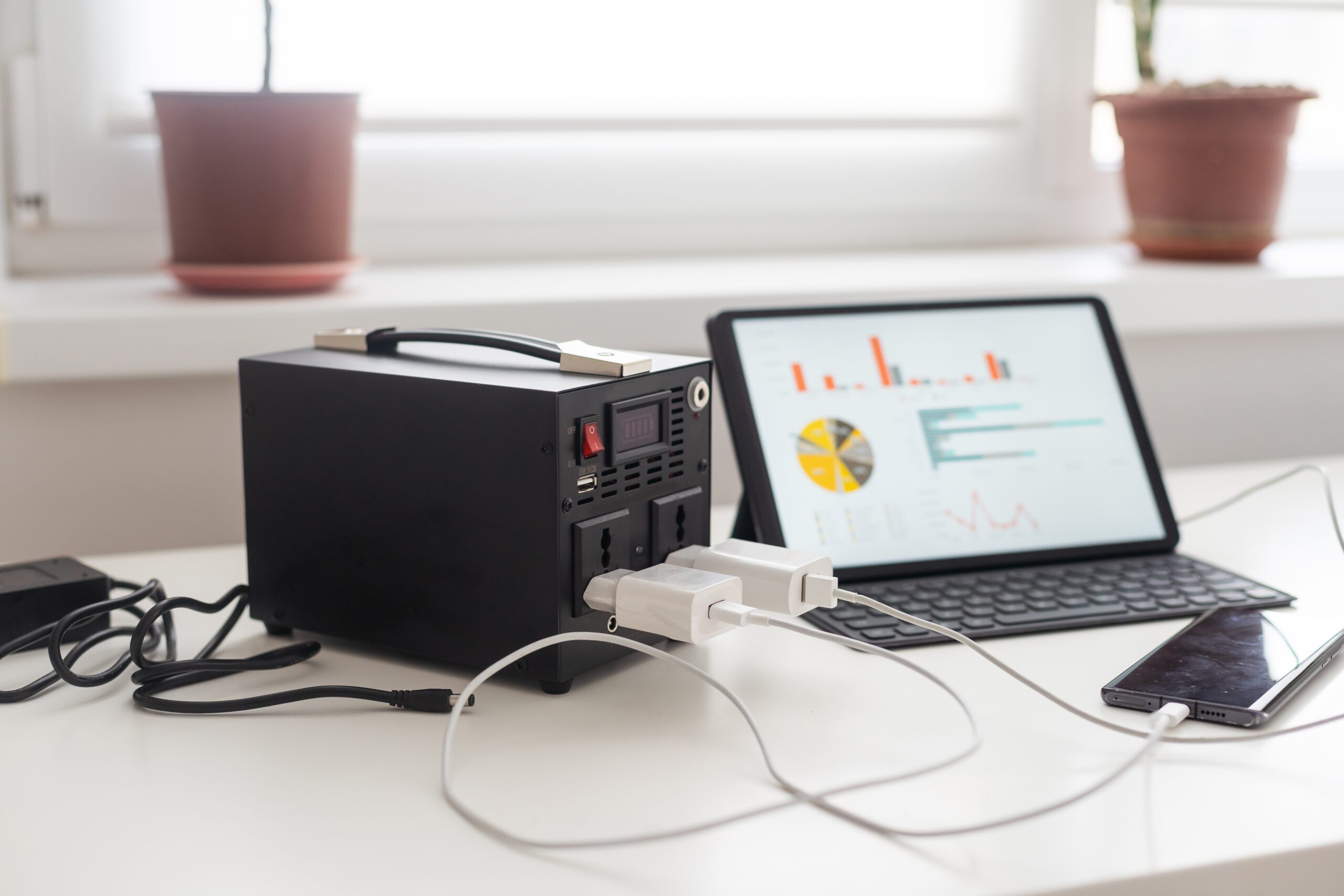
A UPS (Uninterruptible Power Supply) is an important tool that provides backup power during such situations. It gives you enough time to save your work, end your stream properly or continue streaming for a short time.
Many streamers ignore this tool, but it is very important for maintaining consistency and professionalism.
Why UPS is Important for Streaming
Streaming requires continuous power supply for your PC, monitor, router and other devices. Even a short power cut can disconnect your stream and cause data loss.
A UPS protects your setup from sudden shutdowns and voltage fluctuations. It ensures that your devices stay safe and continue running during power issues.
It also helps maintain internet connection if your router is connected to it, which is important for live streaming.
Key Points
• Provides backup power during outages
• Prevents sudden shutdown of PC
• Protects devices from voltage fluctuations
• Helps maintain live stream continuity
• Gives time to safely close stream
• Supports router and internet connection
• Improves reliability of setup
• Essential for long streaming sessions
• Protects hardware from damage
• Important for professional streamers
Types of UPS
There are mainly two types of UPS, offline and line interactive.
Offline UPS is basic and affordable. It provides backup during power cuts but may have slight delay.
Line interactive UPS offers better protection and faster switching. It is more reliable and suitable for streaming setups.
For most streamers, a line interactive UPS is a better option because it provides stable performance.
Recommended UPS
One reliable option is the APC Back UPS BX1100C IN. It offers good backup time and strong performance for gaming and streaming setups.
Buy Link = power backup
This UPS can support your PC, monitor and router, making it ideal for streamers who want uninterrupted performance.
Setup and Usage Tips
Connect your PC, monitor and router to the UPS. This ensures that your main devices stay powered during outages.
Do not overload the UPS with too many devices. This can reduce backup time and performance.
Regularly check battery health to ensure it works properly when needed.
Optimization and Safety Tips
Place the UPS in a well ventilated area to avoid overheating.
Test your UPS occasionally to make sure it is working correctly.
Replace the battery when needed to maintain performance.
Final Conclusion
A UPS is a very important tool for streamers who want reliable and uninterrupted streaming. It protects your setup and ensures your stream does not end suddenly.
Investing in a good UPS gives peace of mind and helps maintain a professional streaming experience.
With proper backup power, you can stream confidently without worrying about power issues.