- Written by: admin
- March 27, 2026
A dual monitor setup is one of the most useful upgrades for any streamer. Many beginners try to manage everything on a single screen, which becomes difficult during live streaming. You need to play the game, monitor chat, manage OBS and control alerts at the same time.
Using two monitors makes this process much easier. One screen can be used for gameplay, while the other can be used for streaming controls, chat and other tools. This improves your workflow and helps you manage everything smoothly.
In this guide, we will understand why a dual monitor setup is important, how it improves streaming and how to set it up properly.
Why Dual Monitor is Important
Streaming requires multitasking. You need to keep track of multiple things at the same time. With a single monitor, switching between tabs can affect your gameplay and stream quality.
A dual monitor setup solves this problem by giving you separate screens for different tasks. This makes your stream more professional and easier to manage.
It also improves interaction with viewers. You can read chat and respond instantly without affecting your gameplay.
Key Points
• Allows better multitasking during streaming
• Separate screens for game and OBS
• Easy chat monitoring and interaction
• Improves stream control and management
• Reduces need to switch tabs
• Enhances productivity and workflow
• Works with all streaming software
• Improves overall streaming experience
• Useful for content creators
• Essential for professional setup
How Dual Monitor Setup Works
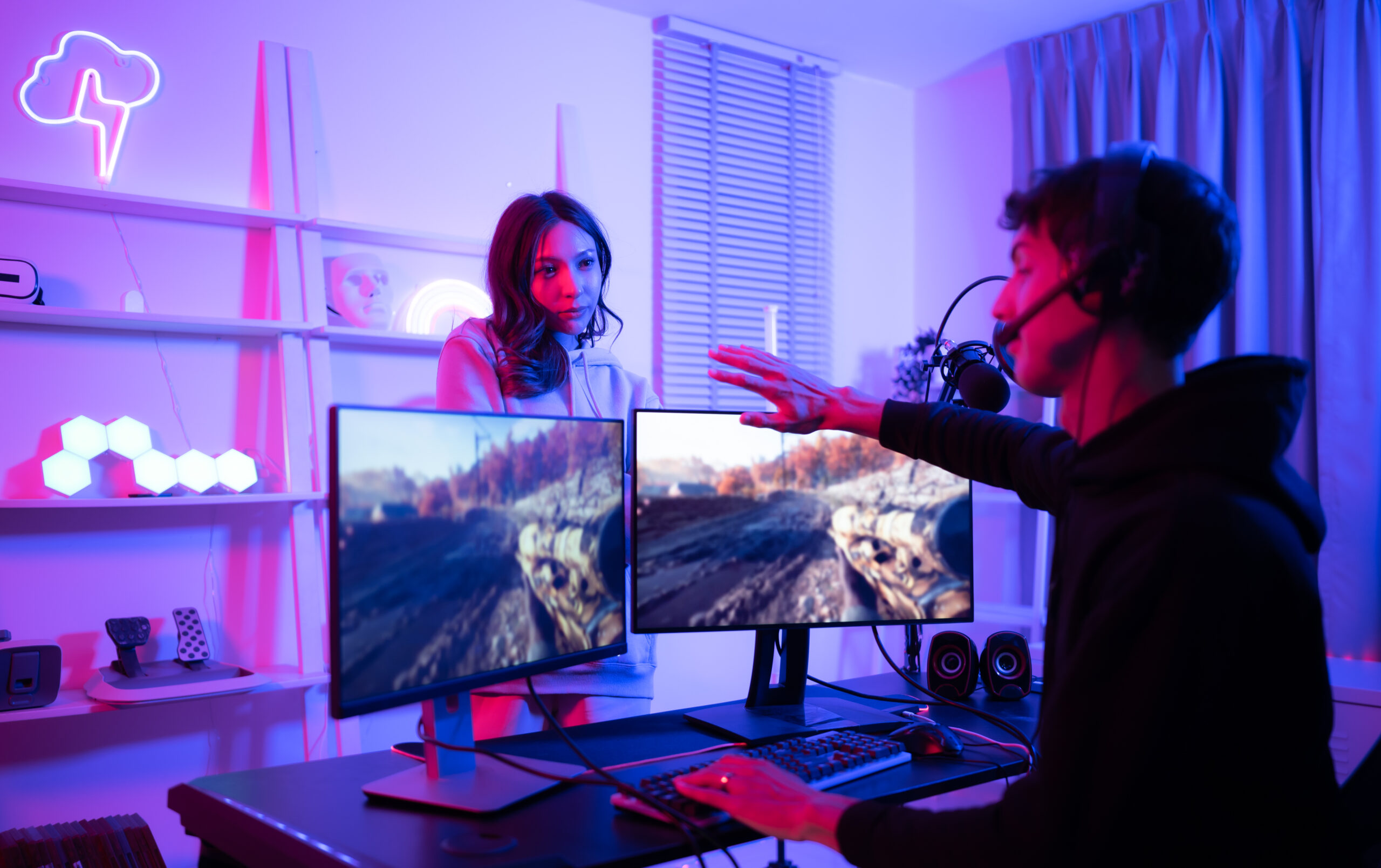
In a dual monitor setup, your PC is connected to two screens. You can extend your display so both monitors work together.
One monitor is usually used for playing the game, while the second monitor is used for OBS, chat, alerts and browser. This setup helps you control everything without interrupting your gameplay.
You can also customize which screen shows what, depending on your preference.
Recommended Monitor Option
One of the good options for streaming setup is the LG 24 Inch Full HD IPS Monitor. It provides clear visuals, good color accuracy and reliable performance.
Buy Link = Monitor
This monitor is suitable for both gaming and streaming tasks. It works well as a primary or secondary display.
Setup and Positioning Tips
Place your main monitor directly in front of you and the second monitor slightly to the side. This allows easy viewing without turning your head too much.
Adjust both monitors to the same height for better comfort. This helps reduce neck strain during long sessions.
Make sure your cables are properly connected and your display settings are configured correctly.
Optimization and Workflow Tips
Organize your screens properly. Keep your game on one screen and OBS, chat and tools on the other.
Use window layouts to manage applications efficiently. This will improve your workflow and reduce confusion during streaming.
Test your setup before going live to ensure everything works smoothly.
Final Conclusion
A dual monitor setup is one of the best upgrades for streamers. It improves multitasking, stream control and overall efficiency.
If you want to make your streaming setup more professional and easy to manage, adding a second monitor is a great decision.
With the right setup, you can handle everything smoothly and provide a better experience for your viewers.