
Introduction A dual monitor is considered the greatest upgrade that any streamer could ever wish for. Most newbies tend to handle everything through one screen, but this becomes very complicated when doing live streams. There are many activities to do on a single stream such as playing the game, monitoring the chat, handling alerts as well as OBS control.
All of these can become easier with two monitors because you can play games on one and use another for streaming purposes. In this article, we are going to look at why dual monitors are essential and how to configure them.
Importance of a Dual Monitor Setup Streaming involves lots of multitasking. For instance, one has to monitor the whole thing without missing anything. Using one monitor means that you have to switch between tabs, which may affect your stream negatively.
With a dual monitor, you get separate screens where you can conduct different operations. This makes the whole process more professional.
Moreover, there will be no difficulty reading comments from fans without having to leave the game behind. This makes it easier to interact with your audience.
Key Points
• Facilitates easy multitasking during the stream
• Two separate screens for game and OBS
• Chat and interaction made easier
• More control over the stream
• Eliminates the need to switch tabs
• Increases the productivity and efficiency of a streamer
• Can work with various streaming platforms
• Makes the streaming experience easier
• Good option for content creators
• Necessary component in professional setups
How Does the Dual Monitor Setup Work?
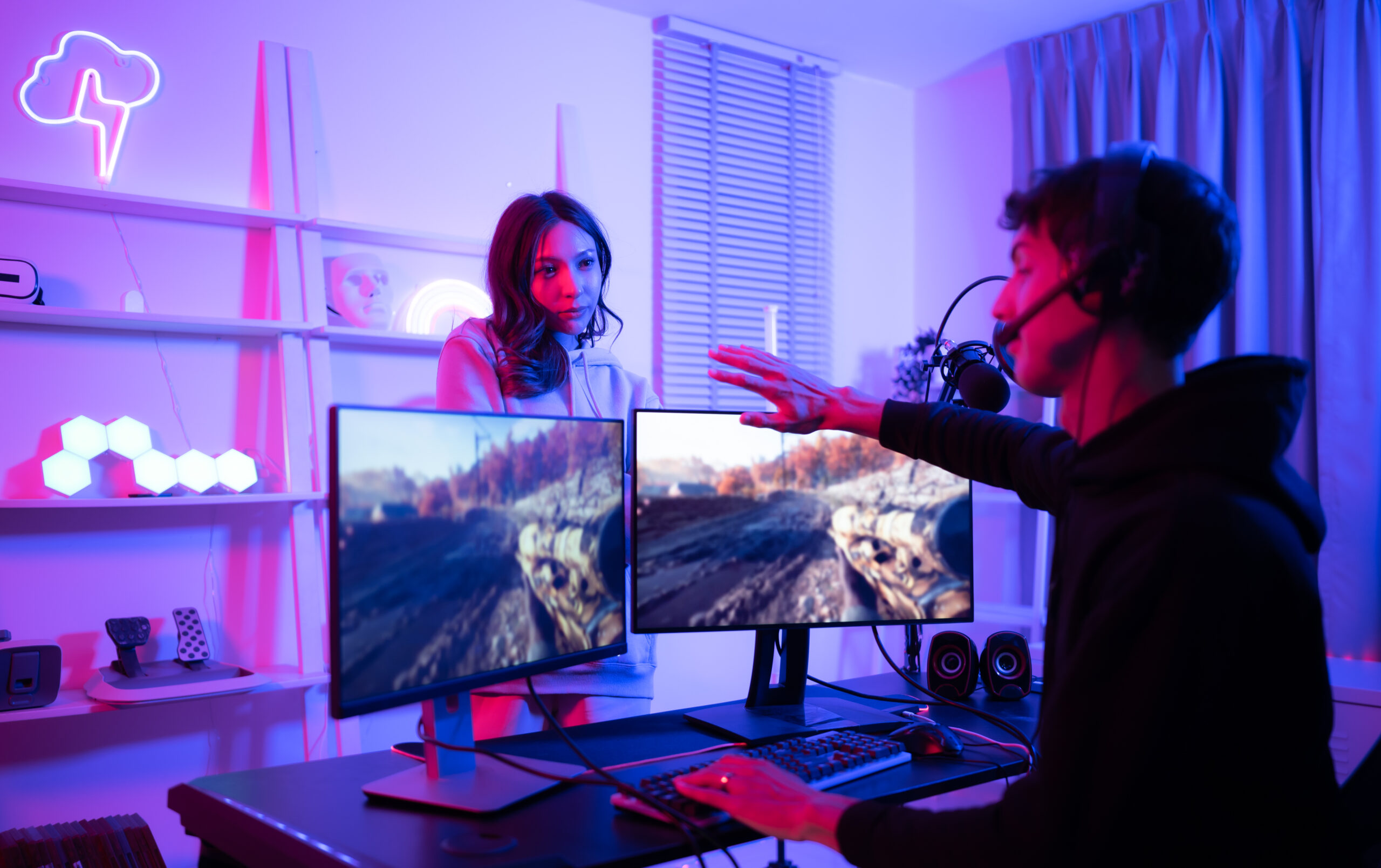
Dual monitor entails having a computer linked with two screens simultaneously. The display is then extended so that the computer uses the screens at once.
On one of the displays, you will run the game while the other will hold OBS and chat. With this, you can monitor the game and stream without difficulties.
It is also possible to customize how the screens should work.
Recommended Monitor for Streaming
The LG 24 Inch Full HD IPS Monitor would be an excellent choice when looking for monitors for your streaming activities. It has great visuals and color accuracy.
Buy Link = Monitor
The device is perfect for both streaming and gaming purposes. It is a versatile device that you can use for other purposes besides streaming.
Setup and Placement Tips
Place your game on the monitor right in front of you while the streaming monitor just slightly off. This makes it easier to see everything.
Ensure that you align the screens at the same height so that you can watch them easily.
Optimization and Workflow Tips
Properly organize your screens so that you have the game and the other for the stream.
Arrange the applications on your computer using appropriate window layouts so that the work is done effectively.
Conclusion
All in all, a dual monitor setup is considered one of the greatest upgrades for streamers. It makes it easy to multitask without complications.
With the right setup, everything will become very simple.